Accessing an RDS server from the MobaXterm application with recording and password vault
This article describes the procedure for using the MobaXterm application installed locally on a user's workstation, while recording the session and using the password vault.
This way, users, whether they are internal to the organization or remote, can continue to use this application without having to go through the user web portal.
The operating principle is as follows: from the local MobaXterm application on the user's workstation, an RDP connection will be initiated directly to the cyberelements Edge Gateway which, depending on the permissions and settings in place, will allow access to a target RDP server.
A remote user must first have a VPN connection.
Prerequisites
Attention
At this stage, certain MFAs are not supported in direct access without an agent.
These are MFA types such as: FIDO2, user certificate, or e-CPS.
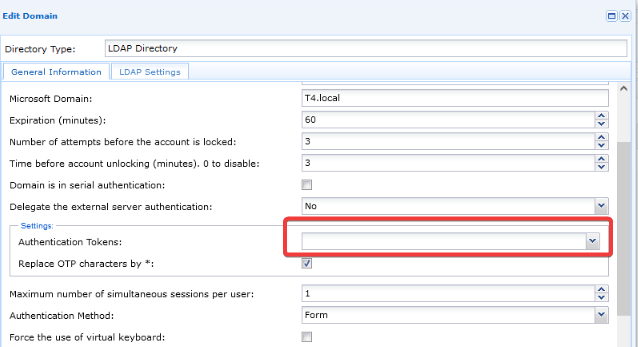
The authentication domain must therefore be duplicated. Leave the Authentication token field blank for internal users performing direct access:
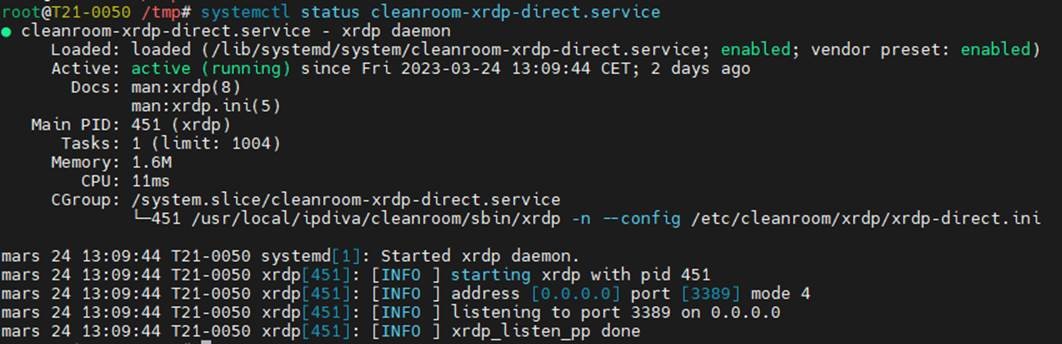
It is necessary to enable the cleanroom-xdrp-direct service present by default on cyberelements Edge Gateway servers for direct agentless RDP access.
Start by opening an SSH session as root on the relevant Edge Gateway server.
Then run the following command to enable:
1 | |
Next, use the following command to start the service:
1 | |
Information
You can check the status of the service by running the command:
1 | |
Configuration of accessible applications
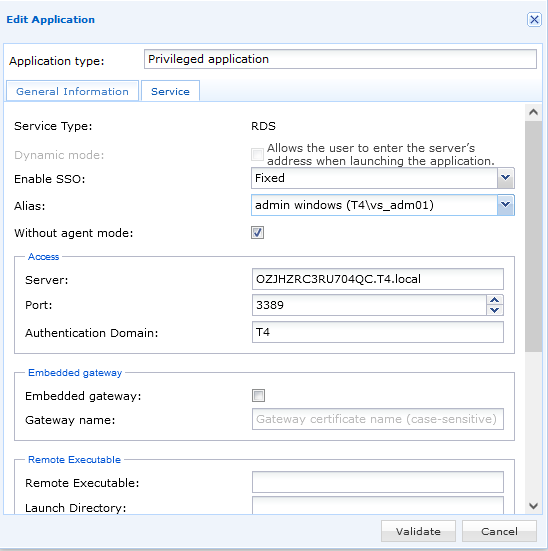
Start by configuring the target RDP applications.
The Without agent mode box must be checked.
Example
Configuration of a contract without an agent
You must then configure an access contract to allow users to access the resource directly.
Open the contrat d'accès RDP direct sans agent menu:
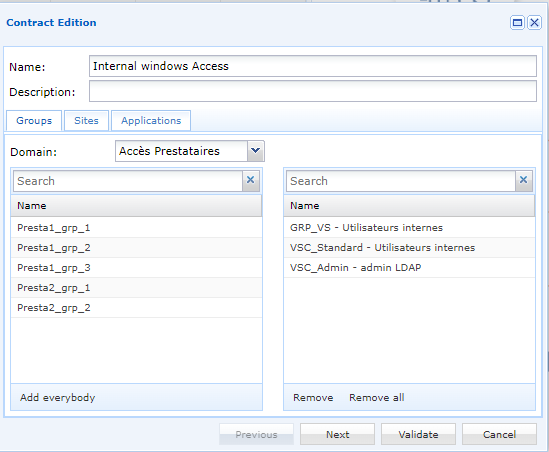
In the Groups tab, select the user groups concerned by the contract by simply dragging and dropping them from the list on the right:
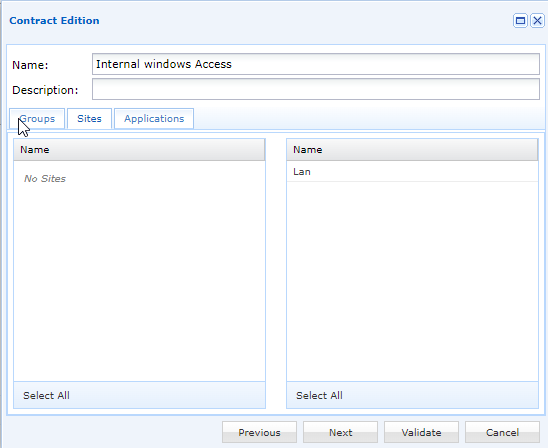
In the Sites tab, select the site concerned:
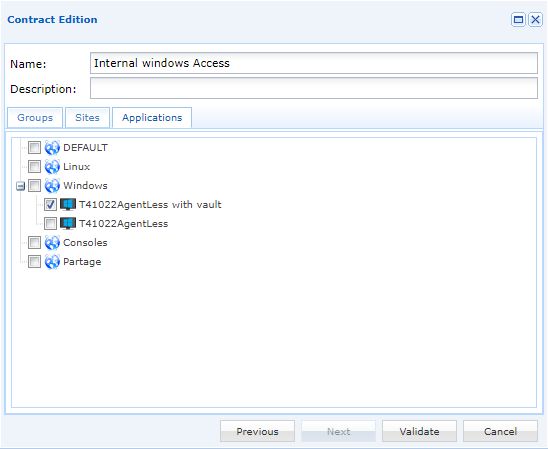
In the Applications tab, select the applications that users will be able to access. The applications are organized by category. You can select an entire category by clicking on it, or select only certain applications by clicking on to expand the category:
Login syntax in the MobaXterm application
A specific syntax must be used to log into the MobaXterm application on the workstation.
The syntax has the following form: USERNAME/CYBERELEMENTS_DOMAIN_NAME:APPLICATION_NAME
Warning!
The syntax is case sensitive!
Customize your login according to your authentication settings:
| Custom value | Variable | Description |
|---|---|---|
USERNAME |
User name cyberelements.io or cyberelements Cleanroom | |
CYBERELEMENTS_DOMAIN_NAME |
Name of identity provider cyberelements.io or cyberelements Cleanroom domain for user login | |
APPLICATION_NAME |
Name of the RDP application without agent to be accessed |
1 | |
Example
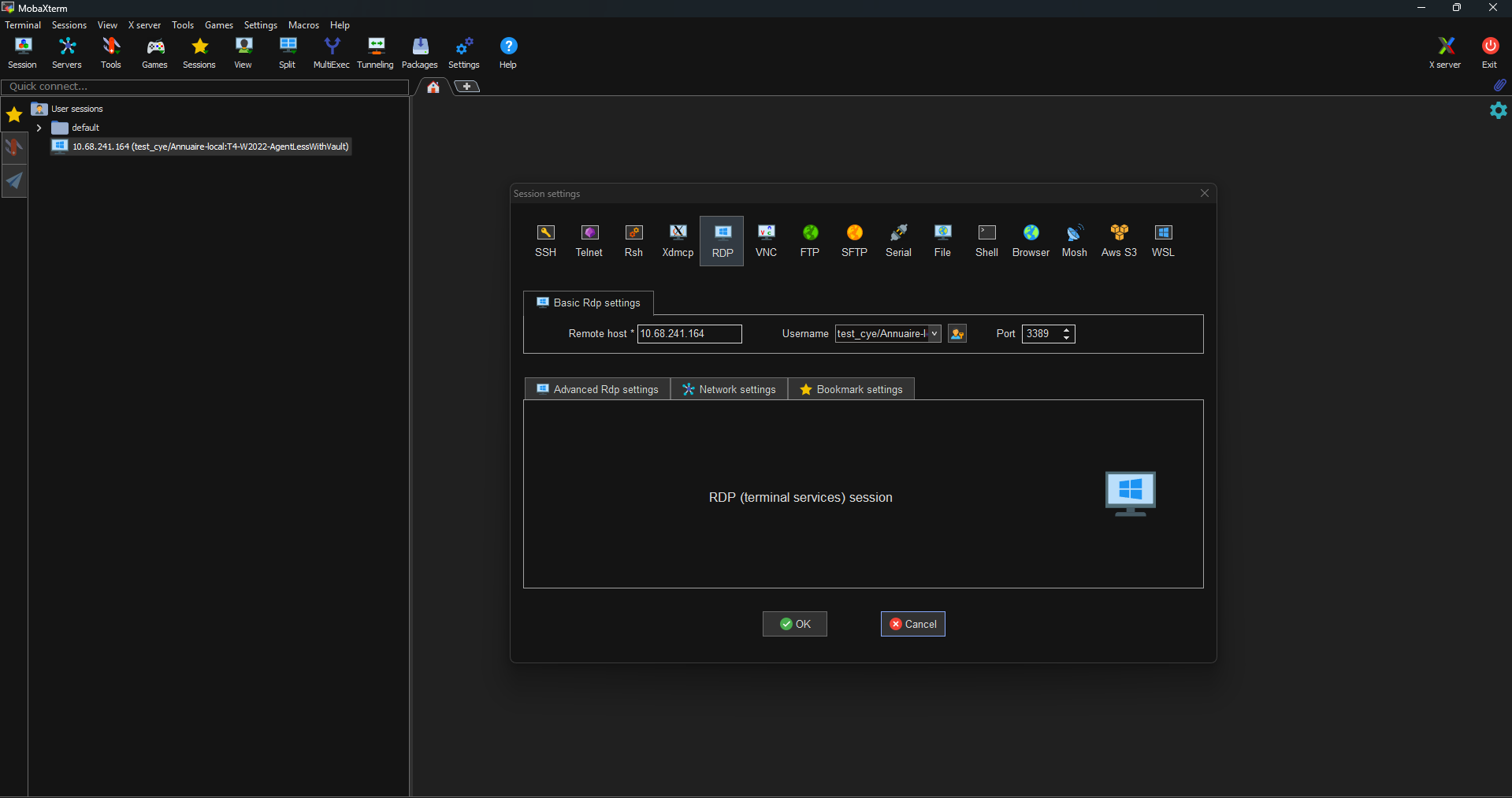
Note
- Leave the password field blank.
- The target IP address is that of the Edge Gateway cyberelements server for the site in question.
When launching the connection, you will be asked for the account password specified in the previous identifier:
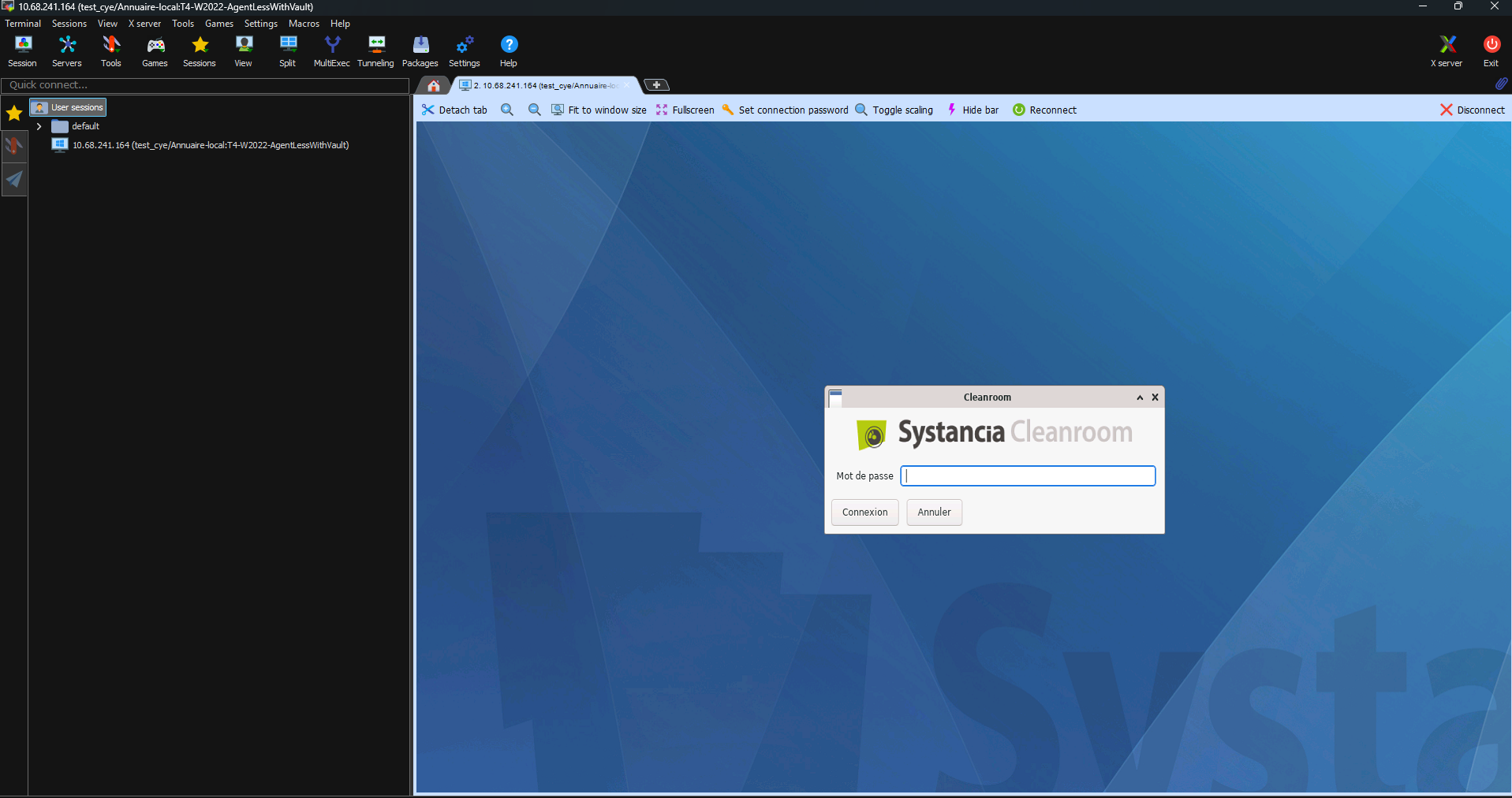
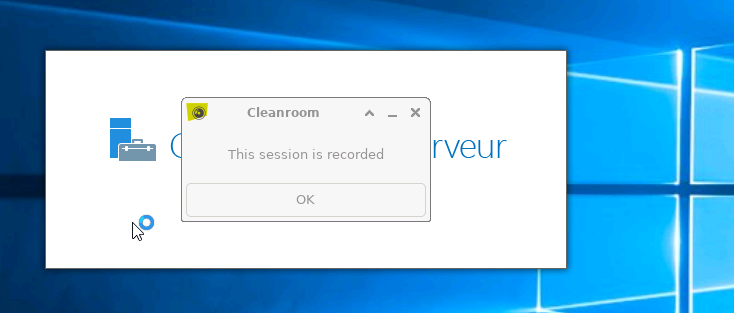
After entering the password, the connection to the server is established and a message reminds you that the session is being recorded: