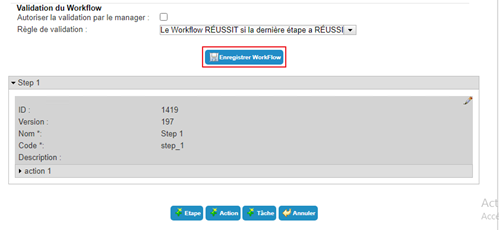
Create/modify/delete a workflow
To create a new workflow, click on the “New workflow” button.
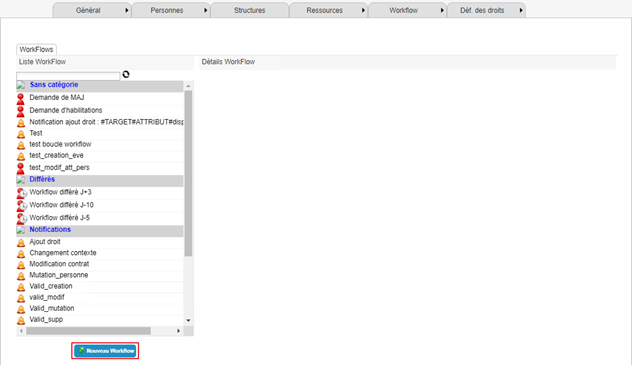
A workflow is created in several steps:
- The first step is to configure all the general parameters of the workflow.
- The second step is to configure the steps and the various tasks and actions that will compose the steps.
To modify a workflow, select the workflow and click on the “Modify” button.
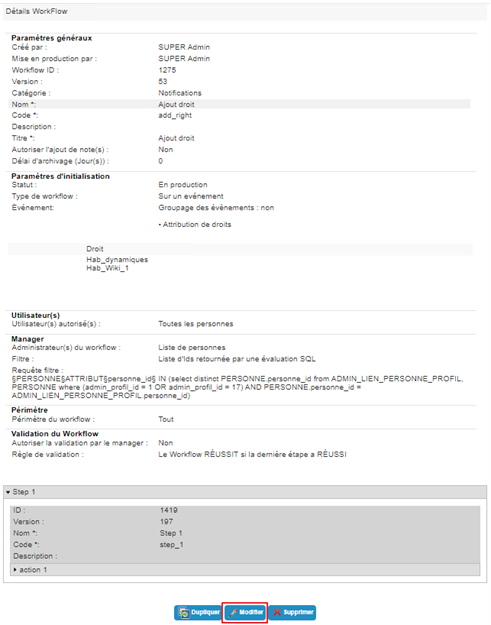
The general settings and steps can be modified.
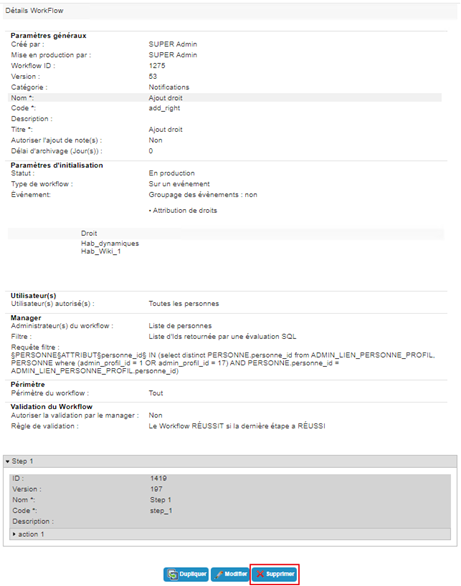
To delete a workflow, select the workflow and click on the “Delete” button.
All changes to a workflow, whether to the general settings and/or steps, actions, or tasks, must be saved by clicking on the “Save” button.