Module for searching structures in organizational trees
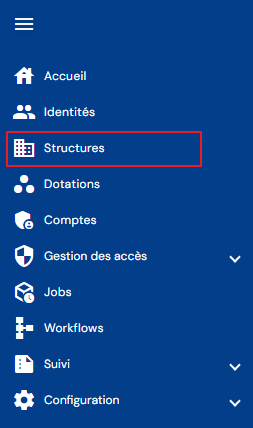
To access the structure search, go to the “Structures” menu.
You will be taken directly to the page where you can view the various organizational trees, preloaded without any filters applied but respecting the permissions associated with the logged-in user's profile.
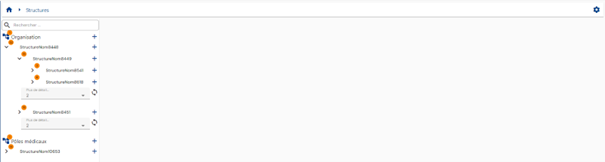
Only the structure search is implemented, allowing you to search by structure name or code.
A pagination system is in place with two structures displayed per level in each organizational tree.
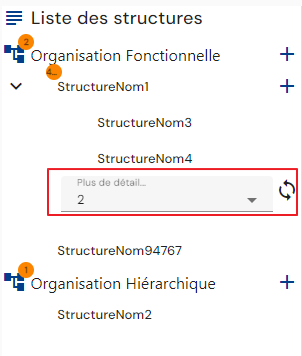
You can load more structures into the list by selecting a value and clicking on the “ ” icon.
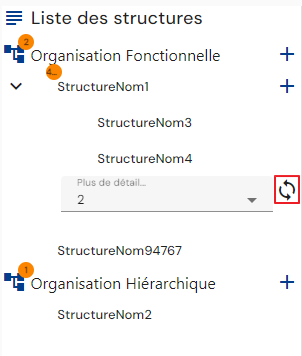
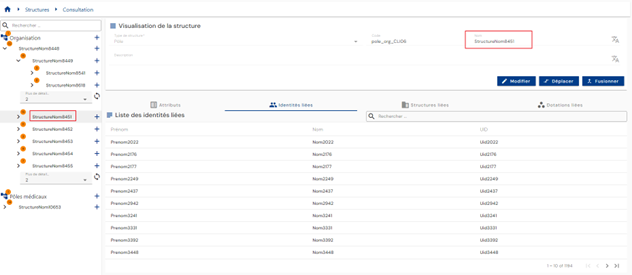
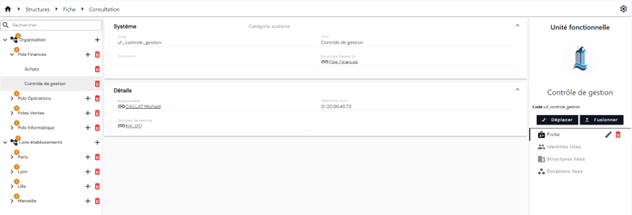
Click on a structure to display its details.
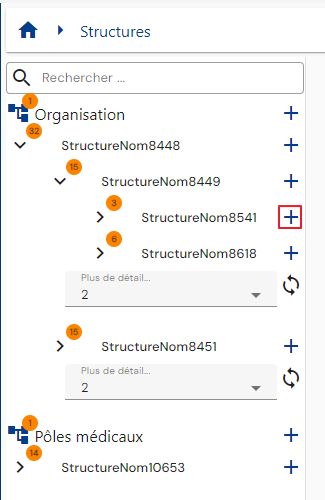
The “ ” button to the right of a structure allows you to create a child structure.
The structure search module is common throughout the solution where it can be called (structure type attribute in an identity or allocation form, etc.).