Dashboard
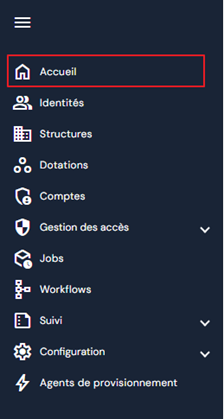
The dashboard consultation page can be accessed via the “Home” menu. This is the home page that is automatically displayed when you log in to the cyberelements Identity application.
The dashboard displays indicators in the form of counters or graphs.
The list of indicators displayed is configured by Identity roles. There can be a maximum of 4 counters and 2 graphs per Identity role.
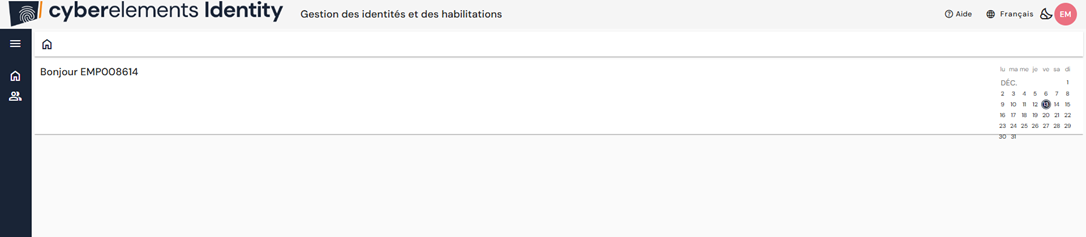
If an Identity role does not have permissions to display a dashboard with at least 1 indicator, then the home page will be as follows:
Configure dashboard indicators on Identity roles
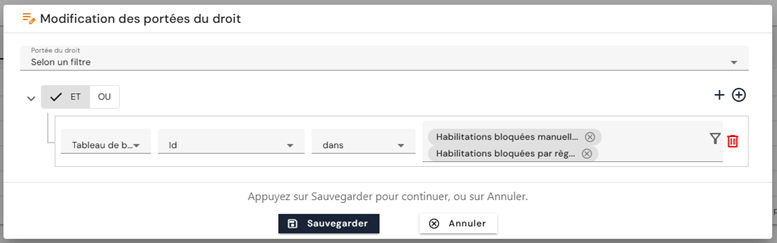
To grant access to view dashboard indicators, go to the desired Identity roles and add the View indicator list and Retrieve indicator list permissions to modify the scope and select the indicators of your choice.