Create/modify/delete a report category
The report category is a mandatory property of reports. Grouping them into different categories allows for:
- Better organization of the display of reports in the Audits/Reports menu list,
- Better security (it is possible to filter the reports that a user is allowed to see according to report categories).
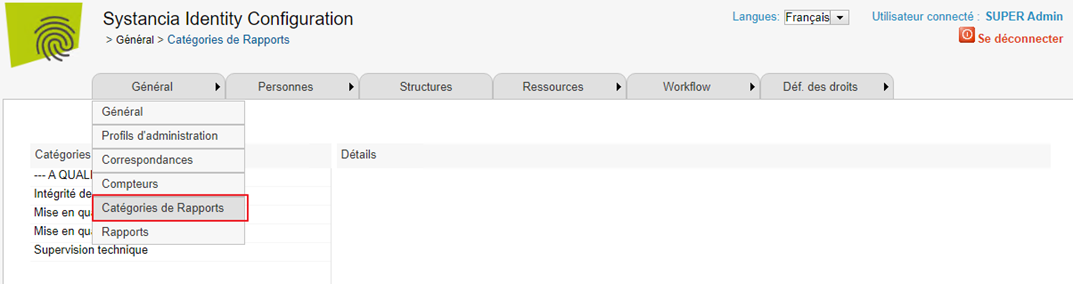
To access the report category configuration page, go to the configuration console, then to the “General/Report Categories” menu.
Properties of a report category – Details section
| Parameter | Description | Type and possible values |
|---|---|---|
| Name | Display name of the category | Character string. Mandatory. |
| Code | Corresponds to the ID of the object. Its value must be unique across all report categories. | Character string without spaces or special characters. |
| Description | Character string. |