Management of workflow instances
To access the workflow operation page, go to the “Workflows” menu.
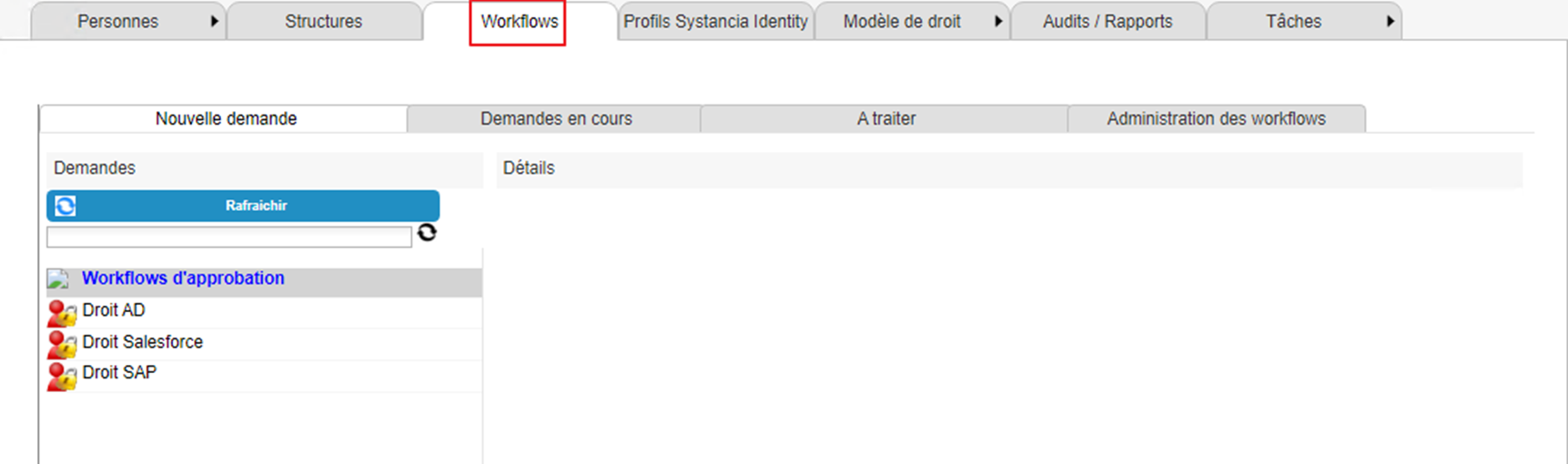
The workflow operation module consists of four tabs:
- New request. Allows you to execute “User Request” type workflows.
- Pending requests. Allows you to view pending workflows initiated by the connected user.
- To be processed. Allows you to view/process workflows awaiting action and involving the connected user.
- Administration of workflows. Allows you to administer all workflows that have a status other than “Archived”.
In the “Pending requests”, “To be processed”, and “Administration of workflows” tabs, there is a search form to filter the workflows to be listed.
See the page “View and search workflows”.