Create/modify/delete a matching table
A matching table is a data structure, in the form of a table, that links values from one set to values from another set. It is used to translate or convert data between different formats, systems, or contexts. Each row in the table represents a specific correspondence between a source value and one or more target values.
To access matching table management, go to the “Configuration \ Matching Tables” menu.
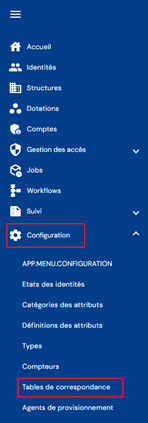
You will be taken directly to the list of existing matching tables preloaded in a table with no filters applied.
Pagination is set up to display only 10 tables.

A search field is available at the top right of the table. The search covers the codes, names, or descriptions of the tables, i.e., the fields displayed in the table.

To create a new matching table, click on the “ ” button.

Enter and save the matching table information so that you can add values.
- Code: code of the matching table. Must be unique, without spaces or special characters. Mandatory.
- Name: name of the matching table. Label that will be displayed in the various forms of the application. Mandatory.
- Description: field for entering a description of the matching table. Optional.

To view and modify a matching table, click on the “ ” icon located to the right in the corresponding table row:

You can switch to edit mode directly from the matching table view page.
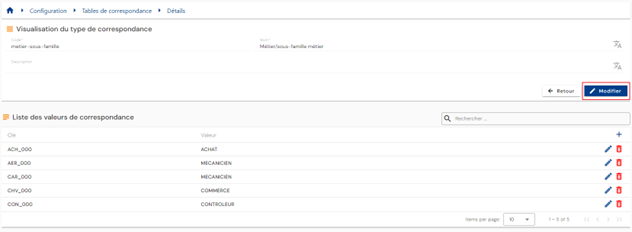
All fields can be modified.
Actions on buttons in edit or create mode:
- Cancel: cancels the current entry and returns to the list of person types page.
- Save: Validate the form and switch the page to view mode
- Save and quit: Validate the form and return to the list of person types page
To delete a matching table, click on the “ ” icon located to the right of the matching table row.

A confirmation message will appear before the matching table is deleted.
Warning: it is not possible to delete a matching table as long as it contains values.
Populating a matching table
A matching table can be populated either via the interface or via an upstream provisioning connector.
To populate an enumerated attribute via the interface, open the matching table configuration page in view mode.
The list of values in the matching table is preloaded into a table without any filters applied.
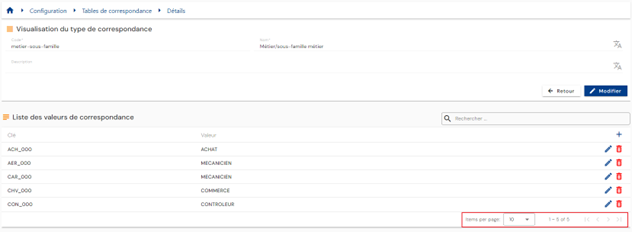
Pagination is implemented to display only 10 values.
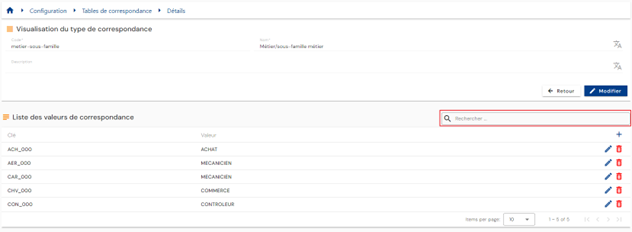
A search field is available at the top right of the table. The search focuses on the keys and values of the matching tables, i.e., the fields displayed in the table.
To add a new value to the matching table, click on the “” button.
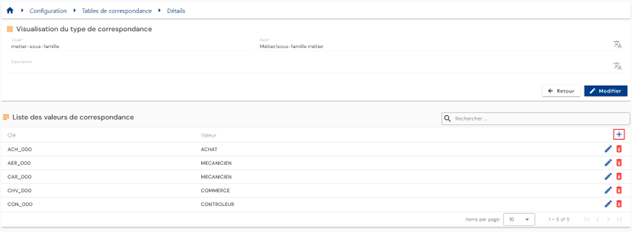
Enter the enumerator's information:
- Key: Must be unique, without spaces or special characters. Mandatory.
- Value: list of values associated with the key. Mandatory.
To modify a matching table, click on the “ ” icon located on the right side of the matching table row.
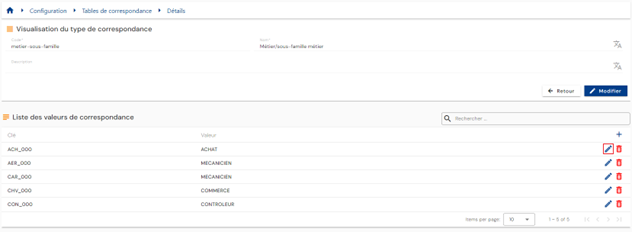
All fields can be modified.
Actions on buttons in edit or create mode:
- Cancel: cancels the current entry and returns to the matching table consultation page
- Validate: Validates the form and adds the value to the matching table
To delete a value from the matching table, click on the “” icon located to the right of the matching table row.
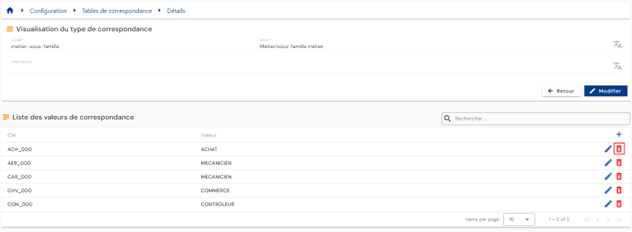
A confirmation message will appear before the value is deleted from the matching table.
Warning: it is not possible to delete a value from the matching table as long as it is assigned to an attribute linked to an object (identity, structure, provisioning, or account).
To provision a matching table via the Systancia Identity Provisioning (SIP) provisioning engine, you must create an upstream provisioning connector: from an external authoritative source, the keys and values of the matching table that meet the synchronization rules will be created, updated, and deleted in Systancia Identity according to the rules defined in the import rules.
The provisioning sequence must include at least the following elements:
- An export of the authoritative repository.
- An export of the “MATCHINGTABLE” type Identity repository.
- A synchronization rule.
- An import rule in the Identity repository of type “MATCHINGTABLE”.
Please refer to the Automatic Provisioning Connector Management page to create a connector.