Redistributable package for remote database servers
Utility
If you have chosen to install the Cyberelements Identity solution and the database on different servers, redistributables enable communication between the server on which Identity is installed and the database server.
The various modules of the Cyberelements Identity solution operate using a common base of APIs and technical components. As a result, when third-party applications (SQL Server, etc.) need to use some of these modules (CLR procedure for SQL, etc.), it is necessary to deploy the Cyberelements Identity base of APIs and components so that third-party applications can download and use the modules that depend on them.
Therefore, when the third-party category is installed on the same server as Cyberelements Identity (local SQL Server, etc.), the common API base is included in the standard Systancia Identity distribution, so there is no need to install it.
On the other hand, when third-party applications are installed on a server other than Cyberelements Identity (SQL Cluster, etc.), it is necessary to install the Systancia Identity redistributable package (Systancia Identity Redistributable X.Y.msi) on the database server in order to install the API base required for the proper functioning of the Cyberelements Identity modules used on these servers.
Content
The Systancia Identity redistributable installs the following components:
- The SSOX audit service (Windows service) that is used to transfer generated audits to the audit server. The SSOX API that allows audits to be sent using SQL database CLR procedures.
- The binary files are installed in the directory specified during the installation, as well as in the GAC. A new Windows service is added (Audit service).
Potential impacts
No impact on databases hosted on the same instance (or in the same cluster) as the Systancia Identity database.
Update
It is necessary to update the redistributable at the same time as the Cyberelements Identity server. To do this, you must uninstall the old version and then reinstall version 7.0.
Installation
The redistributable package must be installed on the server where the database is located.
The installation procedure for the Redistributable is quick and easy. All you need to do is run the MSI from an administrator account on the server (log in as “admin” user.)
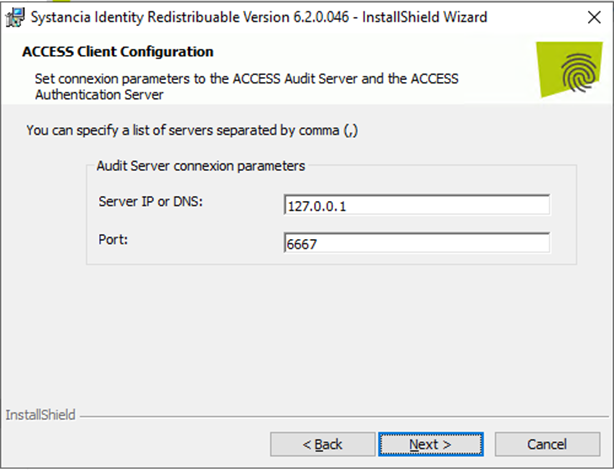
Then follow the prompts on the installation screens. The only information you are prompted to provide during the installation process is the address of the audit server.
There are no special steps to perform in order to install the package, as the package itself will copy the required files to the Systancia and GAC directories.
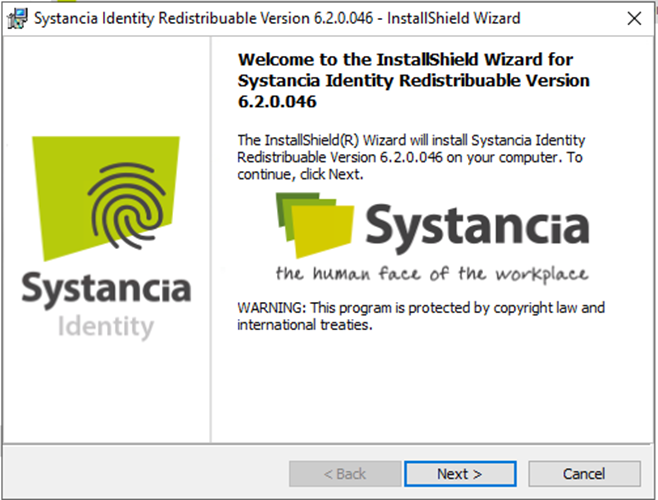
To start the installation, simply click on the executable “Systancia Identity Redistribuable x.y.msi” and follow the steps below:
Click on “Next>”.
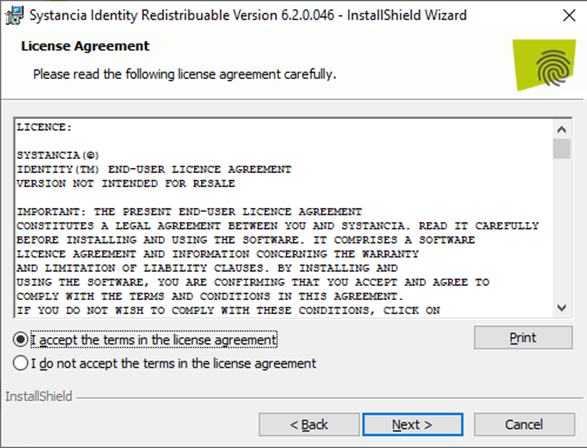
Accept the license and click on “Next >”.
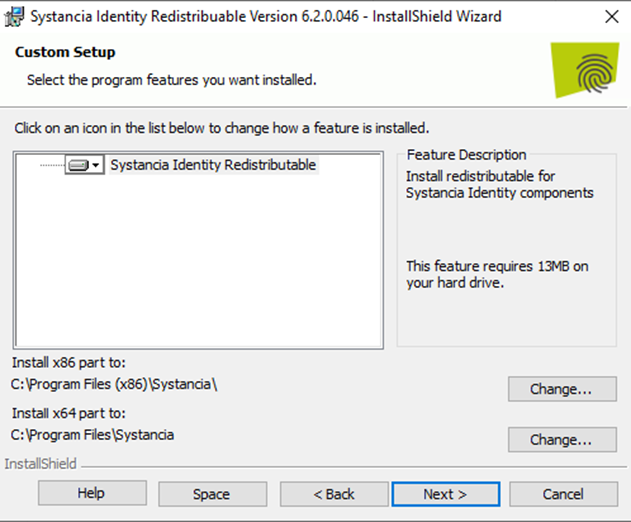
Click on “Next>”.
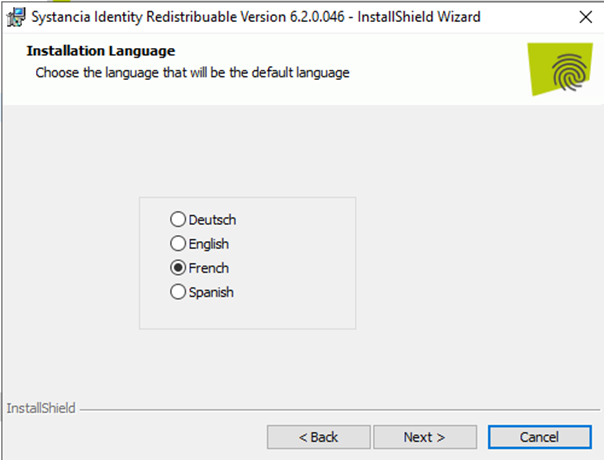
Select a language from the list and then click on “Next >”.
In the “Server IP or DNS” field, enter the IP address or DNS name of the audit server.
Click on “Install” to start the installation.