Hangfire module
Access to the external task management module is via the “Hangfire” menu.
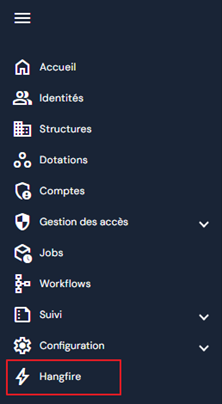
This menu allows you to view all asynchronous tasks that have been executed, as well as schedule task executions.
In the Hangfire module, the “Management” tab allows you to execute tasks.
The tasks are divided into two submenus:
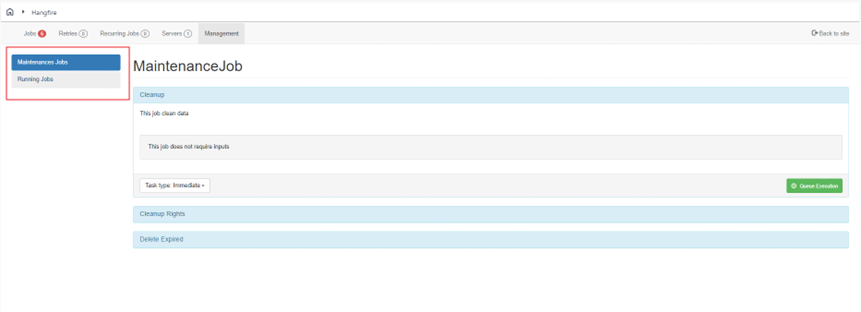
Maintenance Jobs
The Maintenance Jobs submenu contains maintenance tasks:
- Cleanup: task that allows you to clean up data in case of errors.
- Cleanup Rights: task that allows you to delete expired authorizations.
- Delete Expired: task that allows you to delete bevel values (tiling) on expired attributes.
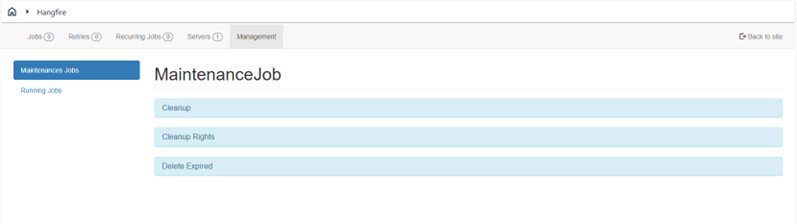
These tasks must be programmed by the integrator when a project goes live.
To schedule a task at regular intervals, select the “Repeating” task type.
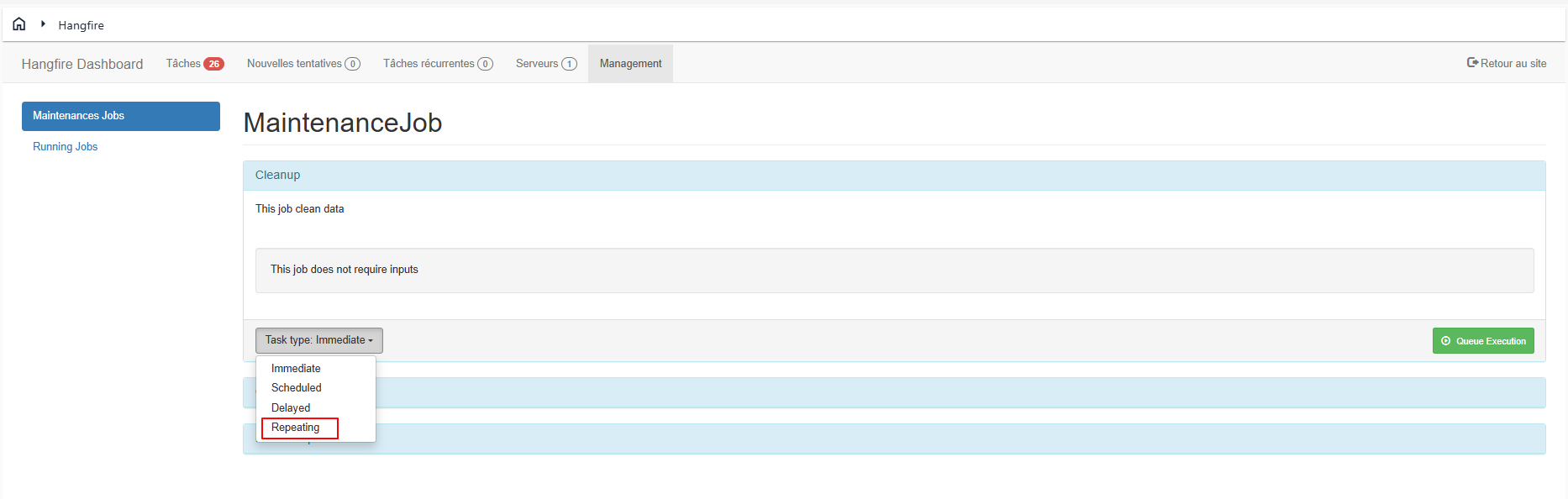
Then, configure the desired frequency using a CRON expression.
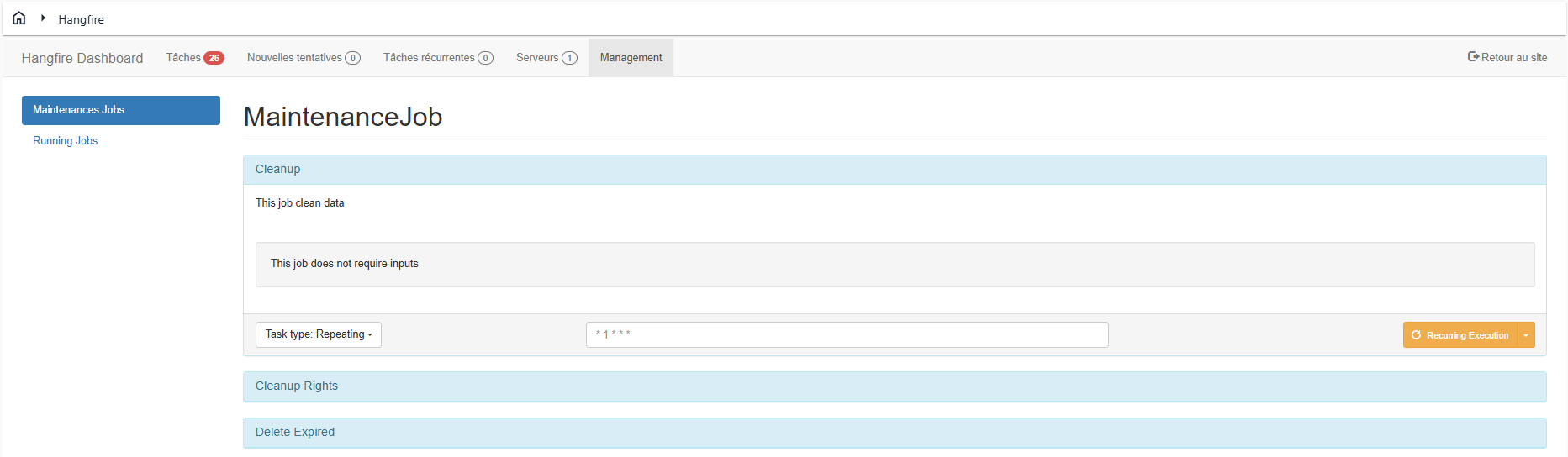
There are five mandatory parameters, listed below in order:
- Minutes
- Hours
- Day of the month
- Month
- Day of the week
And 1 optional parameter:
- Year
Leaving “*” in a parameter will cause a task to be executed for all possible values of a field.
!!! example “Example”
1 2 3 | |
Running Jobs
The Running Jobs submenu contains predefined tasks that can be executed quickly and easily:
- Calculate accounts by account type: task that calculates accounts for a given account type.
- Calculate accreditation rule: task that calculates all accreditation rules.
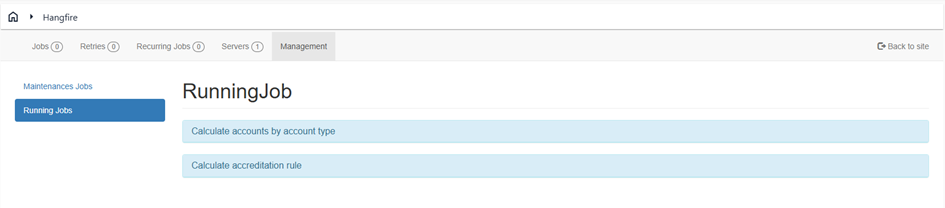
It is not recommended to schedule these tasks to be executed on a regular basis. These tasks are best used during the integration phases.