Enable/disable a workflow
To enable or disable a workflow, open the desired workflow in edit mode.
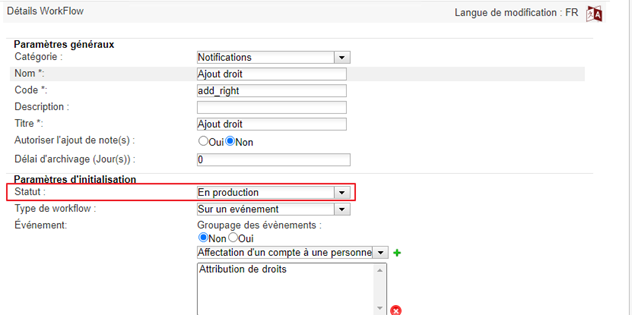
In the initialization settings, change the status.
The possible statuses are:
- Under construction: this is the default status when configuring a workflow. Once the status has been changed, it is no longer possible to revert to the “under construction” status.
- In production: Status to select to activate a workflow.
- Suspended: Status to select to disable a workflow.
- Archived: Status to permanently close the use of a workflow. Warning: this status is irreversible.