Create/Modify conversion rules
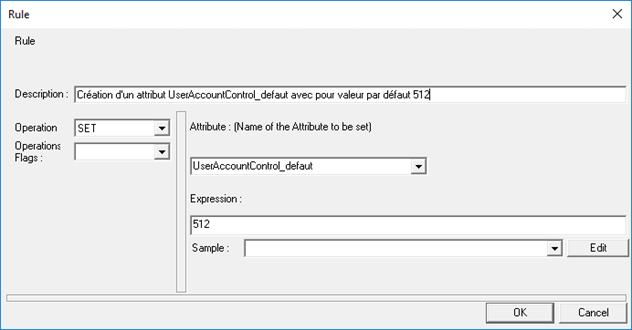
Conversion rules allow you to perform operations on attributes to modify formats or values. It is also possible to create new attributes to integrate them into export or delta files if necessary.
Conversion rules can be applied to the following sources:
- Source export,
- Target export,
- Delta (result of a synchronization rule).
Examples of use cases:
- Need to modify the format of a date exported in the authoritative source in order to save it in the target source.
- Need to create an attribute that is not exported, but whose value is fixed, to integrate it into the target source (Example: Modification date = current date).
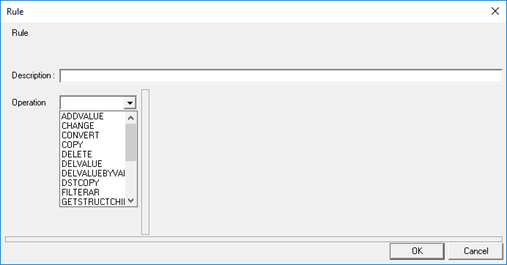
Conversion rules are created from an operation. Refer to the List of available operations by rule page to choose the operation you need to meet your use case.
Example of a conversion rule: Creation of an attribute with the “SET” operation with a defined value.