Configure a managed account on Identity services (optional)
To install the Cyberelements Identity solution, you must enter a service account with a login and password. However, it is possible to modify the service accounts linked to the various applications of the Cyberelements Identity solution in order to set up a managed account. To do this, follow these steps:
- Add the service account as an administrator to the Systancia directory.
- Replace the account that runs the Cyberelements Identity Windows services with the managed account.
- Restart the modified services.
- In the SQL engine, add the managed service account to the users and set the DBowner rights for the Hpliance database.
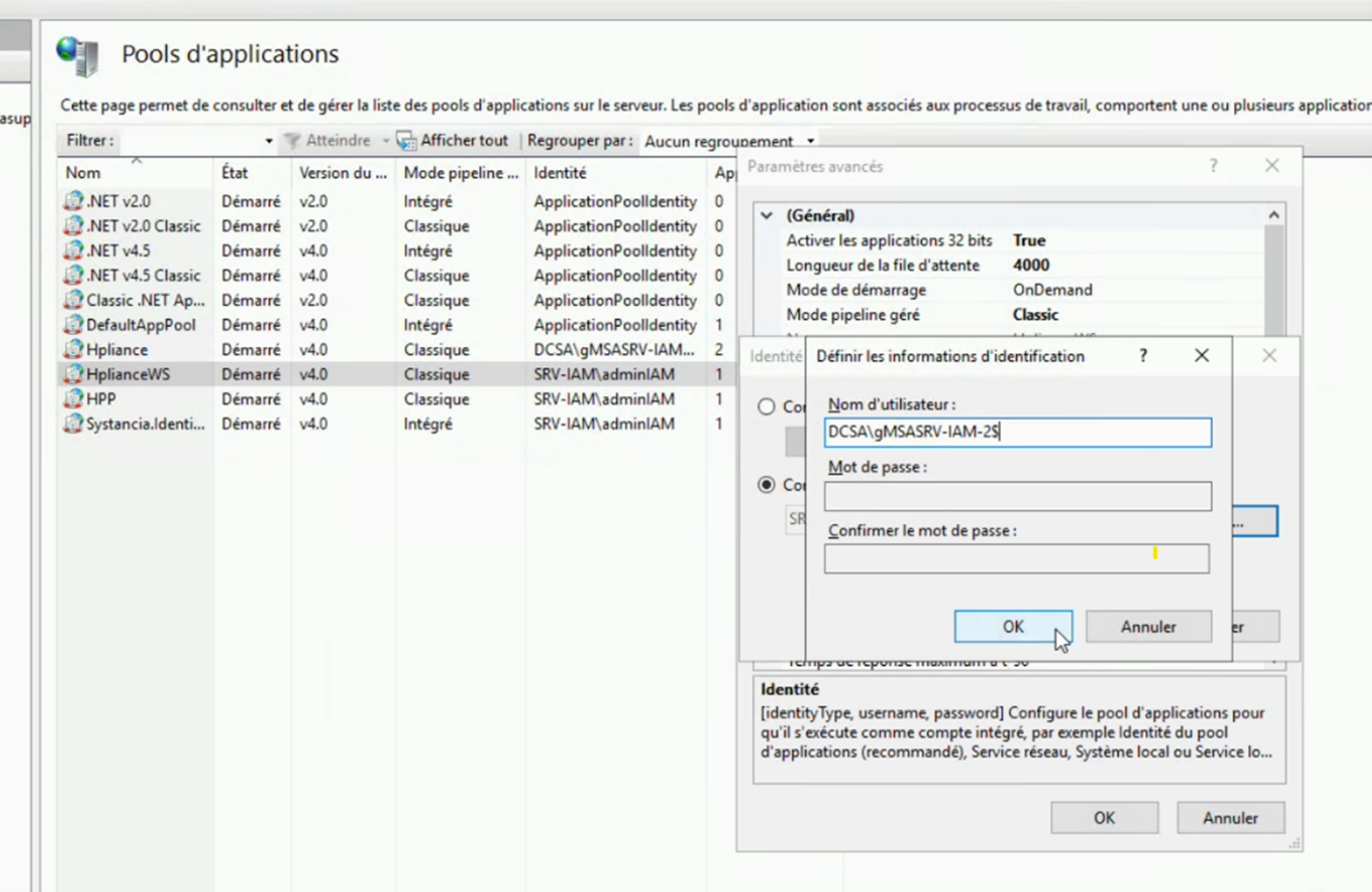
- In the IIS manager, replace the account that runs all the desired IIS pools with the managed account.
- Restart the application pool.
Note: some login screens require a password for accounts. To bypass the password, a trick is to add a $ at the end of the managed account login.