Enable/disable a person
It is possible to configure the presence of an “Enable” or “Disable” button depending on the value of the “Active person” attribute.
To do this, you must add the “Active person” attribute to the desired identity type(s) and leave the default value in the “Information” display.
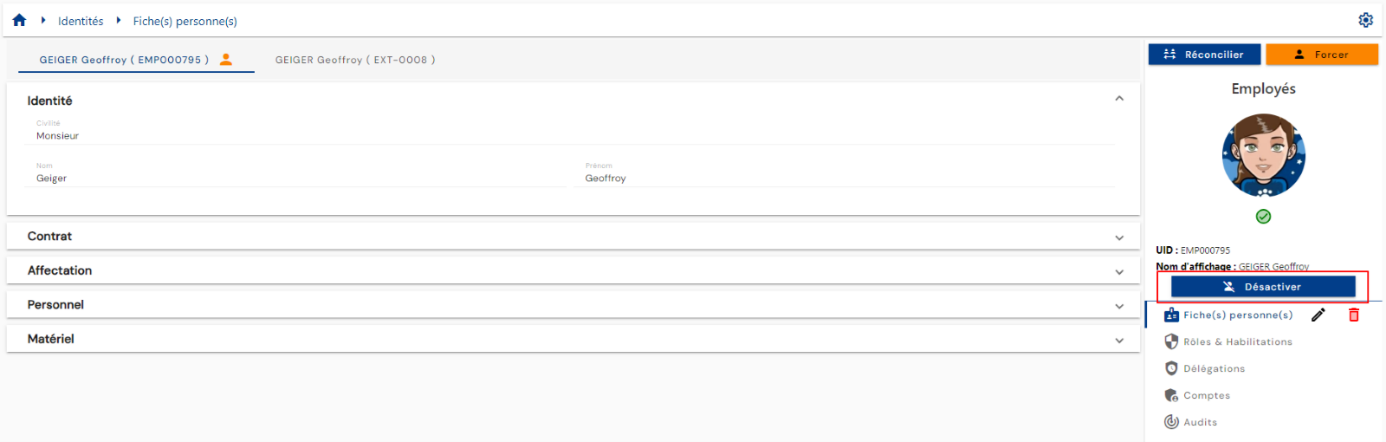
The attribute is Boolean, so clicking on the button changes the value from 0 to 1 or from 1 to 0.
At 0, the identity is inactive, and at 1, it is active.
You need to set up workflows to perform automatic provisioning/deprovisioning operations if necessary.