Configuration of workflow categories
Workflow categories are used to organize workflows. You can create as many categories as you want.
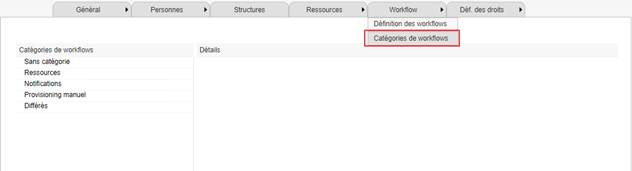
To access the workflow category configuration page, go to the configuration console, then to the “Workflow/Workflow Categories” menu.
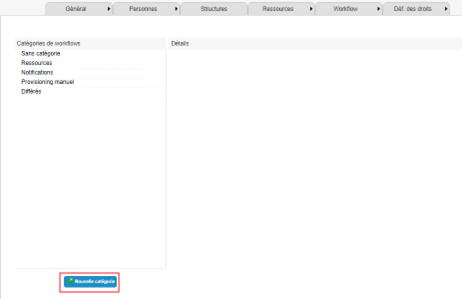
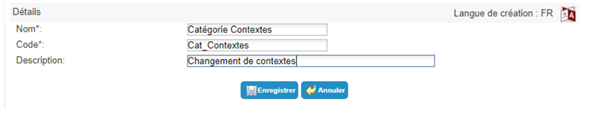
To create a new workflow category, click on the “New Category” button.
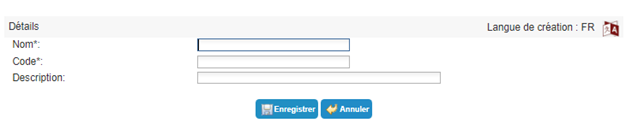
Description of the fields to be filled in:
| Parameter | Description | Types and possible values |
|---|---|---|
| Name | Display name of the category. |
Character string. Mandatory. |
| Code |
Represents the object identifier. Its value must be unique across all workflow categories. |
Character string, without spaces or special characters. Mandatory. |
| Description |
Description of the workflow category. This information is only displayed at the configuration level. It is not mandatory but allows you to document your choice of categories. |
To modify a workflow category, select the category and click the “Modify” button.
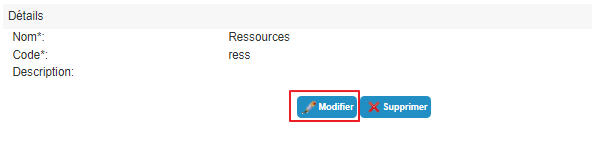
All fields can be modified.
To delete a workflow category, select the category and click the “Delete” button.
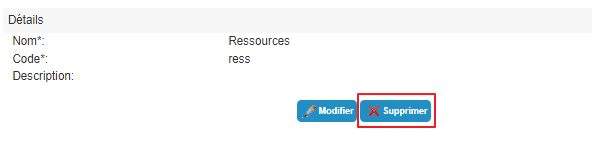
Note: to delete a category, there must be no links to it. You must therefore ensure that no workflows are configured to belong to this category.