View a person/identity record
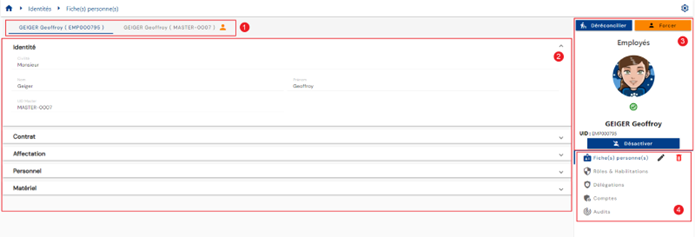
The identity view page consists of the following elements:
- Each identity in a reconciliation chain is visible in a separate tab. The primary identity is defined by the “
 ” icon.
 - Each category comprising the identity is displayed in a separate block with the attributes linked to the category, depending on the configurations and authorizations of the connected person. It is possible to hide or display the attributes of a category by clicking on the category header.
- Identity header. It consists of the identity avatar, if there is one, or the logo that defines the identity type, surrounded by the color that defines the identity type. The identity type is displayed above the image. The information displayed in this box below the image is configured by the administrator. By default, the following attributes are displayed:
- The status of the identity represented by the corresponding icon
- The display name of the identity
- The UID of the identity
- The Enable/Disable button The buttons in this box are:
- Dereconcile/Reconcile: the button displays the label “Dereconcile” when the identity is part of a reconciliation chain and the identity is secondary. The button displays the label “Reconcile” if the identity is not part of a reconciliation chain or if it is primary.
- Force
- Export my data
- Several tabs are available to view additional information related to the identity:
- Person record
- Roles and authorizations
- Delegations
- Accounts
- Audits
The display of identity card information is subject to the permissions of the logged-in user, so it may differ depending on the profile.
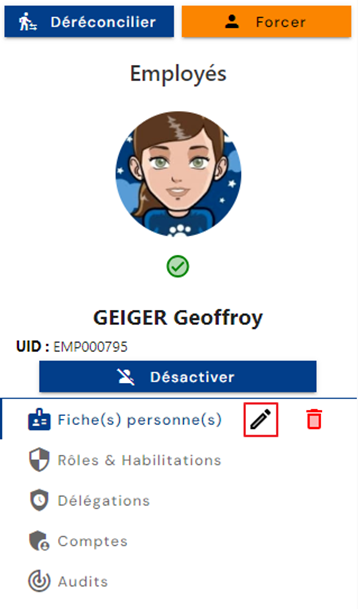
You can switch to edit mode by clicking on the icon “ ” located to the right of the Identity File(s) submenu.
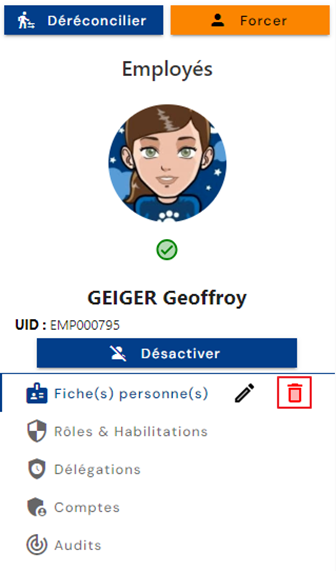
You can delete the identity by clicking on the icon “ ” located to the right of the Identity File(s) submenu.
View/Edit the value of a bevel/tiling attribute
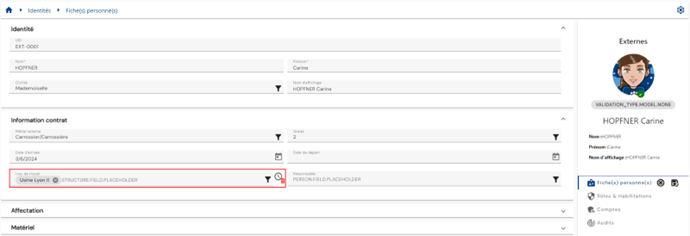
The bevel or tiling period is the overlap period during which a user accumulates, following a change, the permissions linked (by an authorization rule) to the old value of the attribute AND the rights linked to the new value of the attribute. At the end of the tiling period, the old permissions are lost.
When an identity has a beveled value on an attribute, you can view the overlap period for that attribute on the identity consultation page by hovering your mouse over the icon “ ”.
”.
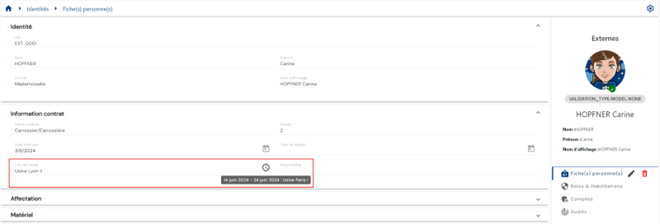
To delete the old value on an attribute with a beveled value, click the “ ” button in edit mode on the identity.
Export personal data (GDPR)
Each connected user has the option to export their personal data in accordance with GDPR regulations.
This feature is only available on the page where you can view your own identity file.
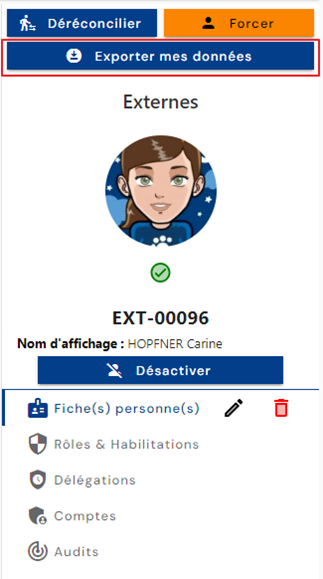
Click on the “Export my data” button to save the personal data file in “csv” format.